
Install & Deploy
1. Install the Aurora CLI
Section titled “1. Install the Aurora CLI”Run the following command in your terminal:
npm install -g aurora-platform-cli2. Deploy Aurora to AWS
Section titled “2. Deploy Aurora to AWS”-
Make sure you are authenticated with the AWS CLI:
Terminal window aws configure -
At the start of deployment, you’ll be prompted to enter your OpenAI API key. If you don’t have one yet, create a key following the official instructions.
-
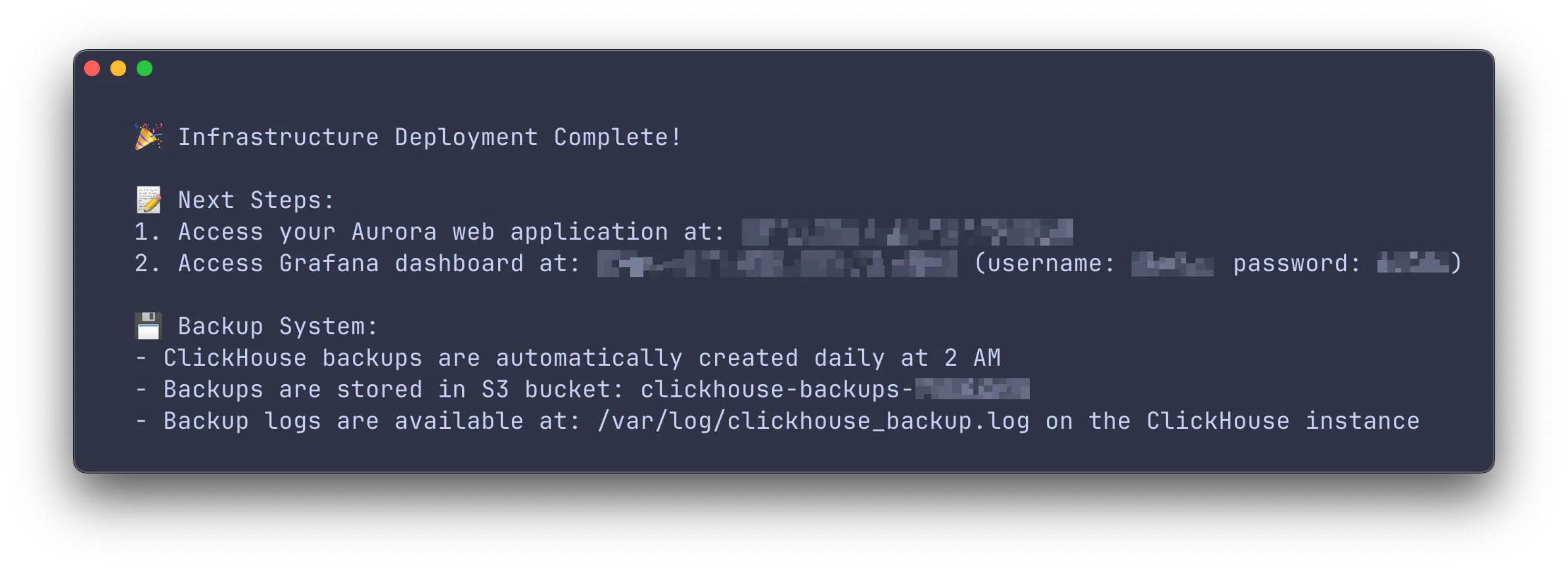
Deploy Aurora:
Terminal window aurora deploy